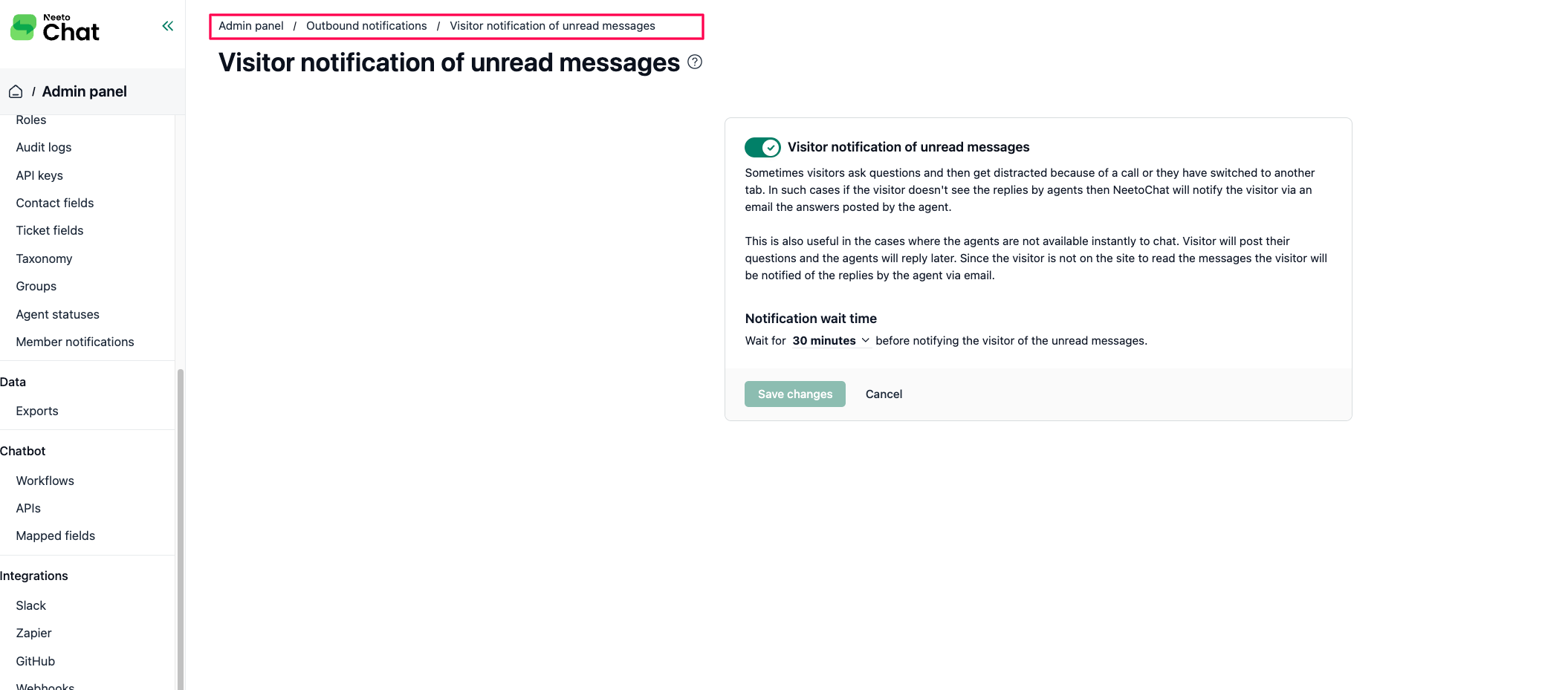

When an agent replies in a chat but the visitor doesn't see it (they closed the tab, switched away, or stepped away from the page), NeetoChat can email them the unread messages after a short wait. The email links back to the conversation so the visitor can pick up where they left off.
This works only if the visitor's email was captured at some point in the chat, typically through the pre-chat form. If a visitor never shared an email, the message stays only in the chat. Notifications are enabled by default with a 30-minute wait, and both can be changed in the admin panel.
Turning visitor notifications on or off
Go to Admin panel
Click on Visitor notification of unread messages.
Toggle Visitor notification of unread messages on or off.
Click Save changes.